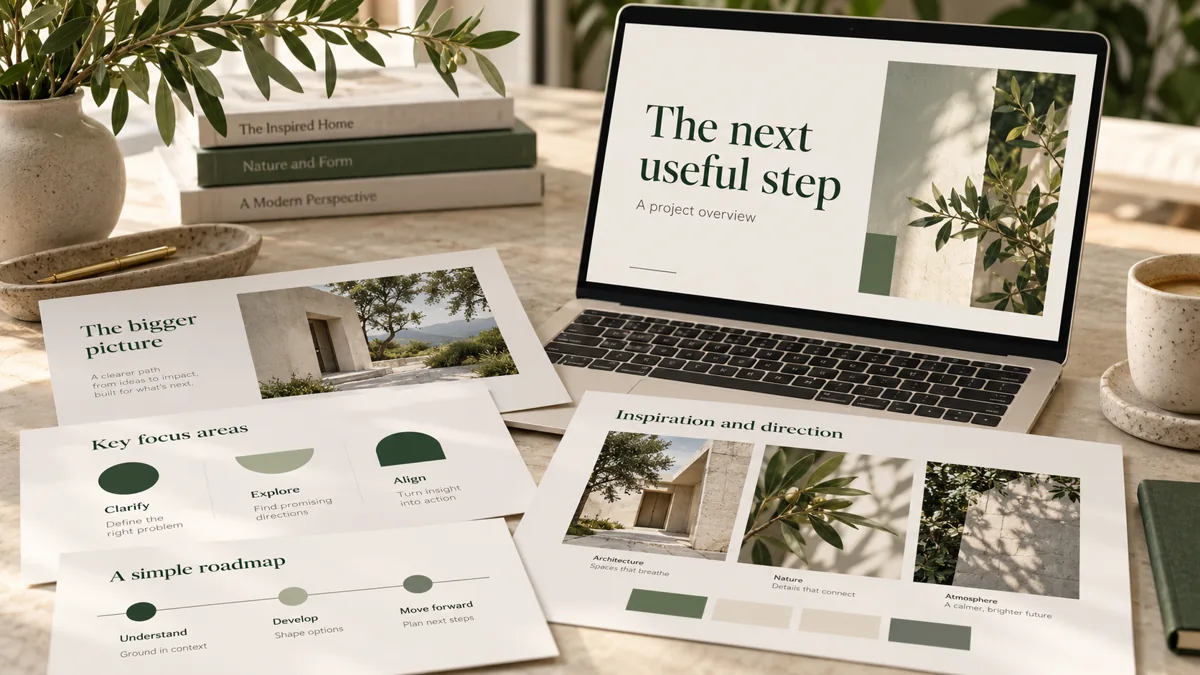
Start with the audience and the decision you need, then sort notes into a story before designing slides. AI can help organize and draft; source checks, readable layouts, and an editable handoff still need deliberate review.
Write a five-line brief
Rough notes are enough to start. A teacher’s lesson, a business proposal, a project update, and an investor presentation need different structures. The same visual template will not resolve those differences.
- Audience: who will read or hear this, and what do they already know?
- Purpose: what should they understand, decide, or do?
- Format: live talk, emailed deck, or printable reference?
- Inputs: which notes, facts, images, and numbers may be used?
- Constraints: slide limit, brand rules, accessibility needs, and date?
For example, a fictional operations lead might write: “Explain our proposed request tracker to six team leads. Ask them to approve a two-week trial. Use the supplied process notes. Keep it to eight slides, readable when emailed without narration.” That is more actionable than “make it look professional.”
Build the story before the styling
Group repeated notes, separate facts from opinions, and identify gaps. A useful project deck can follow this outline:
- The current problem and who experiences it.
- A concrete example of the current process.
- The proposed change and its boundaries.
- A sample output or working demonstration.
- The implementation steps and who owns each one.
- The costs, assumptions, risks, and decision requested.
Give each slide one main message. A live presentation can use fewer words because the speaker supplies context. An emailed deck needs enough explanation to stand alone. Do not bury an important caveat in speaker notes if the recipient will only see a PDF.
Review AI-assisted drafts against the inputs
Check every number, quotation, name, date, and comparison against its source. Replace unsupported claims with an explicit assumption or remove them. AI-generated testimonials, invented clients, and guessed results do not belong in a proof-of-work deck.
If the source says a process takes “about half a day,” do not silently turn that into a precise annual savings claim. Show the assumed frequency and hourly cost before calculating an estimate. Label fictional examples as fictional.
Use charts for actual comparisons, process diagrams for relationships, and images only when they explain the idea. A polished illustration should not pretend to be a screenshot of working software. Our project showcase distinguishes a sample deck and concept visuals from the live dashboard and website demonstrations.
Check the delivered files
- Open the editable PPTX and verify that text can be changed.
- Compare the PDF with the slides for clipped text and font changes.
- Check links and any downloadable supporting files.
- Review slide titles, contrast, image descriptions, and reading order.
- Confirm that supplied facts and caveats survived the redesign.
- List missing inputs and choices that still require approval.
Microsoft recommends using PowerPoint’s Accessibility Checker and reviewing features such as reading order and alternative text. Use Microsoft’s accessibility guidance as part of the review; running a checker alone is not a guarantee that every audience need is met.
Choose a defined first delivery
The $450 USD notes-to-presentation package covers up to ten slides from one supplied brief within the stated limit, an editable PPTX and PDF, and one consolidated revision. Original research, financial-model validation, video, voiceover, and animation are outside that scope. Timing and fit are confirmed before payment or work.
You do not need to choose every creative detail. Send the audience, desired result, rough material, and any constraints. A proposed direction can then be reviewed against that brief.